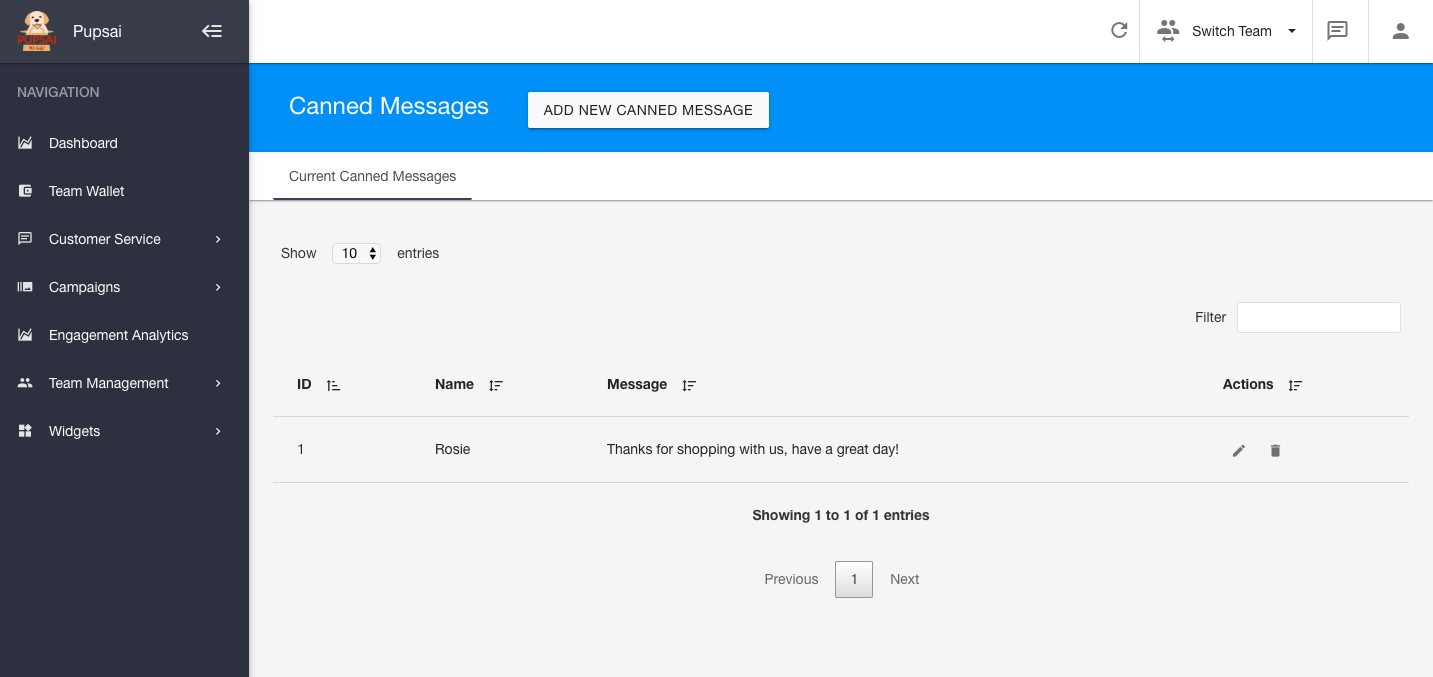
Canned Messages help you and your team to re-use frequent responses. Maintain a common means of communication within your team, with consistent and quick responses. Just another way Pupsai is here to serve you!
To get started:
- Ensure you are logged in to your Pupsai account. For help logging in, refer to Login to Pupsai.
- Have your messages ready.
From your dashboard:
- In the navigation bar to the left of the page, select the "Customer Service" menu option
- From the drop down menu, select "Canned Messages"
- You'll be redirected to the "Canned Messages" page
- Click the "Add New Canned Message" button
- Enter your FAQ
- Enter a name
- Enter the canned message
- Click the "Add" button
- You'll be redirected to the list of all the canned messages you currently have. From here you can edit or delete messages.