To get started, ensure you are logged in to your Pupsai account. For help logging in, refer to Login to Pupsai.
Once you are logged in, you'll be redirected to your dashboard, as see below:
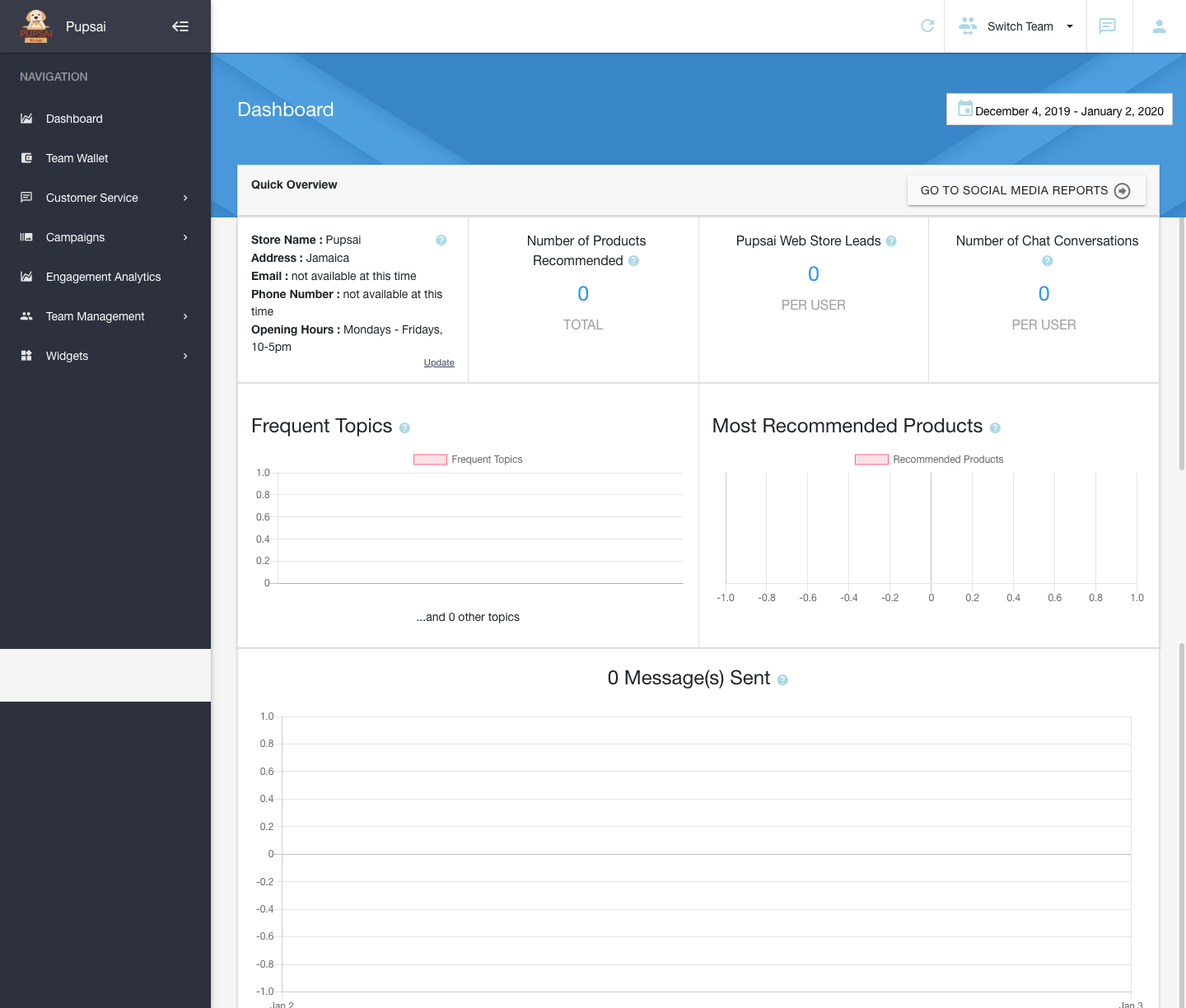
Quick Overview
This section contains:
- The store information
- The number of products recommended by Pupsai to your customers
- The number of users that took the recommendation from Pupsai
- Total number of conversations held accross all platforms (Facebook, Twitter, Instagram, etc.)
Frequent Topics
Frequently asked questions by your customers.
Most Recommended Products
Products which your customers are most interested in.
Messages Sent
Total messages sent in a specific time period.