To get started:
- Ensure you are logged in to your Pupsai account. For help logging in, refer to Login to Pupsai.
- Ensure you have subscribed to Pupsai. If you have not done so and need help subscribing, refer to Subscribing To Pupsai.
From your dashboard:
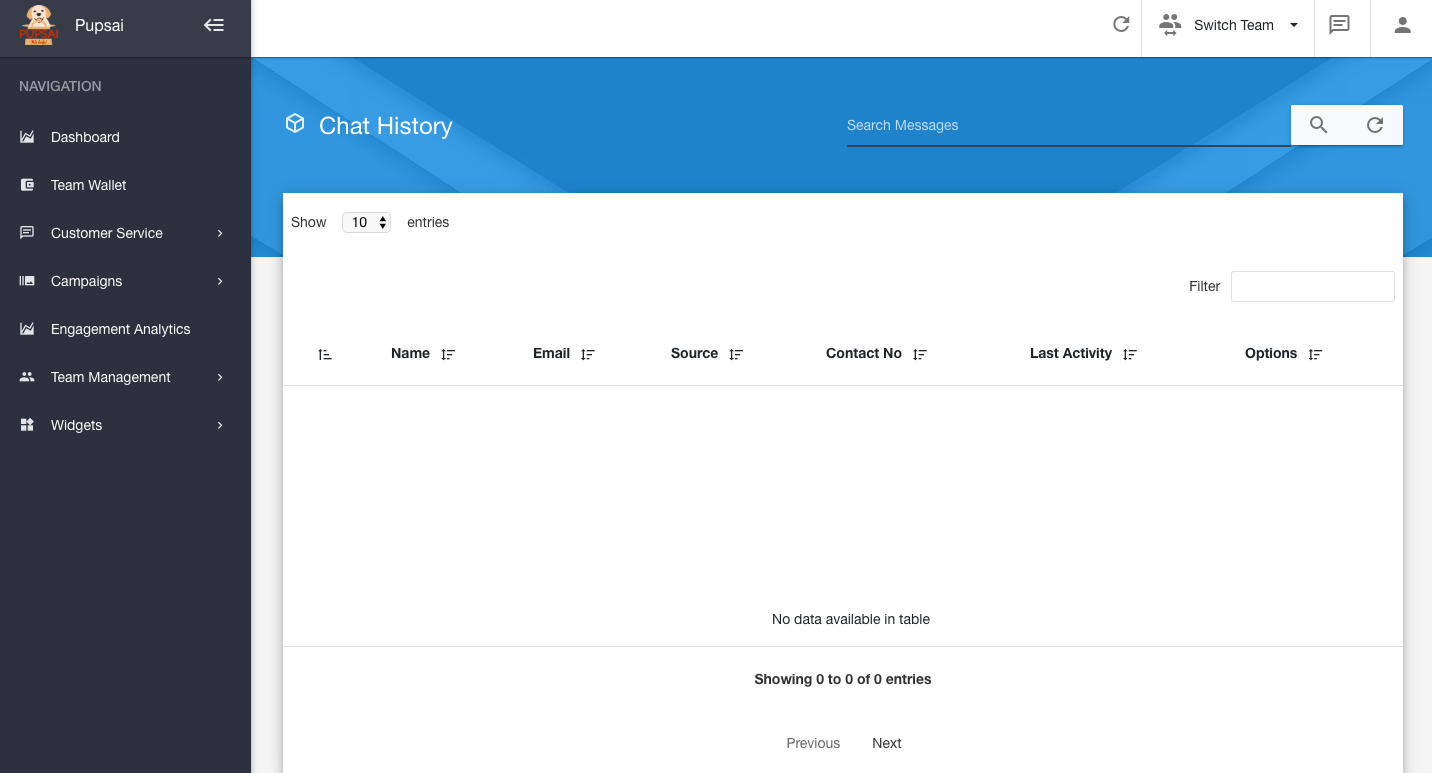
- In the navigation bar to the left of the page, select the "Customer Service" menu option
- From the drop down menu, select "History"
- You'll be redirected to the "Chat History" page for viewing
- From the "Chat History" page, you can search for specific chats by using the search bar in the top right hand corner of the page.